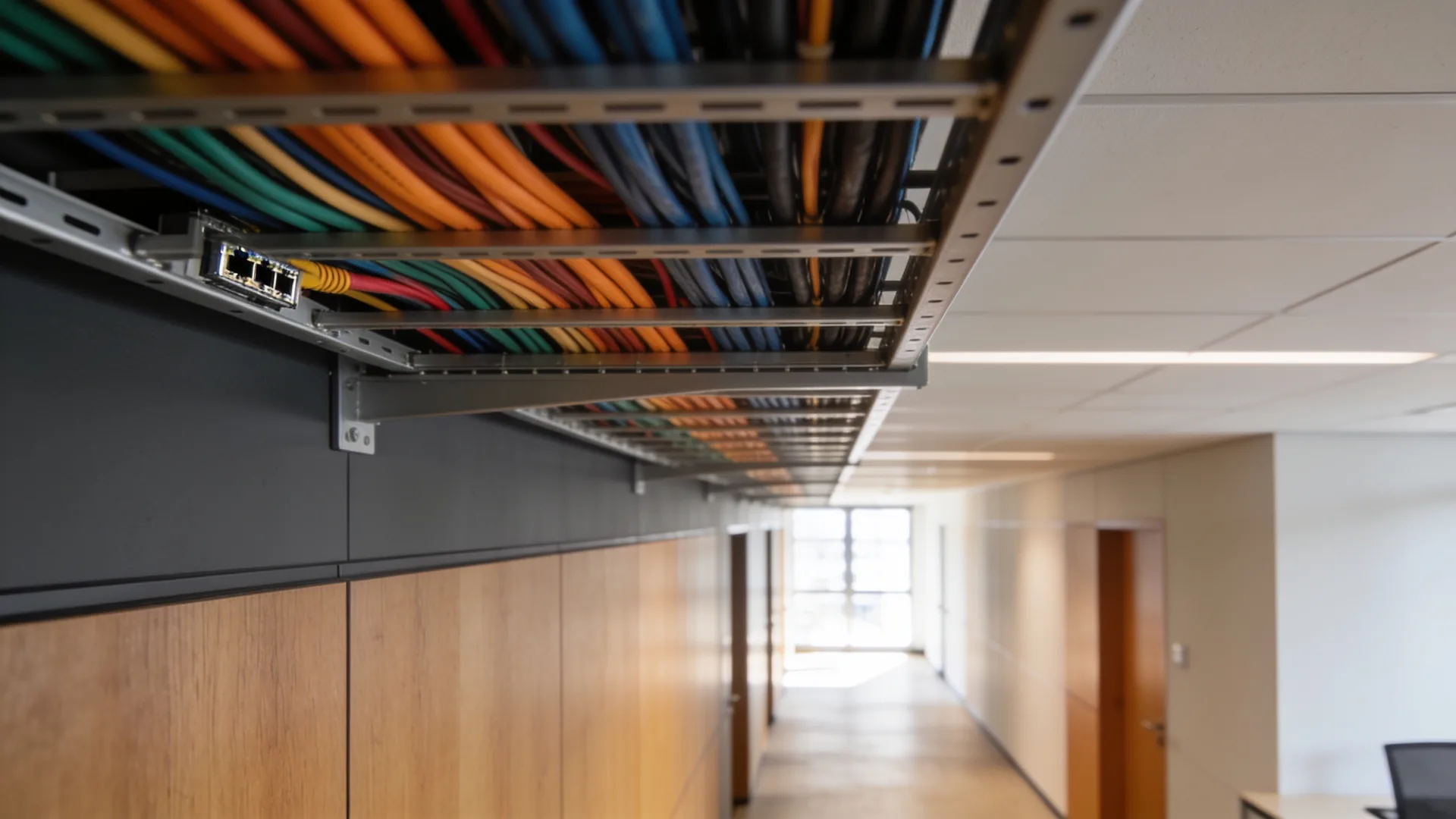
What is a patch panel?
A patch panel is a row of sockets in the comms rack where the fixed cables from the wall outlets end. Short patch leads connect each socket to a switch port, so you can move, test or disconnect a desk without touching the cable in the wall.
What a patch panel does
In structured cabling, every outlet in the building has its own cable back to the rack. That cable is solid-core, run through walls, ceilings and floors, and terminated once: at the back of the patch panel, punched down onto an IDC connector. At the front, each port is an RJ45 socket with a number that matches the outlet at the desk.
From there, a short patch lead runs to the switch. The fixed cable is the permanent link and stays where it is; the patch lead is the part you change. Together, the patch lead in the rack, the permanent link and the lead at the desk form the channel, which may be at most 100 metres long, with up to 90 metres of fixed cable.
- Protects the fixed cable Solid-core cable is not made to be bent and re-plugged. The panel takes that wear instead.
- Changes in seconds Moving a desk to another network or switch is a matter of moving one patch lead.
- Independent of the switch Replacing a switch means re-plugging patch leads, not re-terminating cables.
- A test point Each link can be measured from the panel to the outlet, which is how a cable installation is certified.
Types of patch panel
| Type | What it is | Where it fits |
|---|---|---|
| Punch-down | Fixed ports, cables punched onto the back | Large installations with one cable category throughout |
| Keystone | An empty frame filled with separate modules | Mixed needs, or ports added later |
| Shielded | Earthed metal ports for shielded cable | Shielded Cat6a, or sites with electrical interference |
| Fibre | Adaptors for fibre connectors such as LC, often with a splice tray | Backbone links between racks, floors or buildings |
Most copper panels have 24 or 48 ports in one or two units of rack height. The panel has to match the cable category: a Cat6a link on a Cat6 panel behaves like Cat6. The categories are compared in Cat6 vs Cat6a, and the colour order of the pairs in RJ45 wiring.
Patching that stays tidy
A rack is tidy on the day it is finished. Keeping it that way is a matter of a few habits.
Label both ends
The outlet number on the wall matches the port number on the panel, and both are in the documentation. Without that, every move starts with tracing cables.
Short leads, managed
A panel directly above or below each switch, with horizontal cable managers, keeps patch leads short and lets air flow through the rack.
Test and record
Every permanent link is measured after installation and the results are kept. Reading such a report is covered in Network cable testing.
Where our work stops
This is an explanation, not advice on a particular make or model. We lay data cabling, terminate it on patch panels, test and label it, and fit out the rack: see Cabling and the server rack and Cables and connectivity. CommScope is one of the brands whose panels and cabling we supply, see CommScope. Building work such as new routes through walls, electrical circuits or cooling is done by a contractor or electrician.
What it connects to
These pages cover the neighbouring part of the same environment.
Questions we get about this
The ones that come up most, answered briefly.
What is a patch panel used for?
It is where the fixed cables from the wall outlets end in the rack. Short patch leads connect each port to a switch, so desks can be moved, tested or disconnected without touching the cable in the wall.
Do I need a patch panel, or can cables go straight into the switch?
Cables can go straight into a switch, but solid-core cable is not made for repeated plugging, and every switch replacement then means handling the fixed cabling. A patch panel keeps the fixed cable untouched.
What is the difference between a patch panel and a switch?
A patch panel is passive: it only connects cables and has no electronics. A switch is active and sends traffic between the connected devices. Patch leads link the two.
Do you also do the building work for new cable routes?
No. We lay the data cabling, terminate and test it, and fit out the rack. Building work such as new routes through walls, electrical circuits or cooling is done by a contractor or electrician.
Curious what we would take over?
In a thirty-minute conversation we go through your current IT landscape and tell you honestly whether managed IT suits your situation.
Practical IT knowledge in your inbox
New guides on management, security and the workplace, written by the people doing the work. No sales talk, and you can unsubscribe in one click.