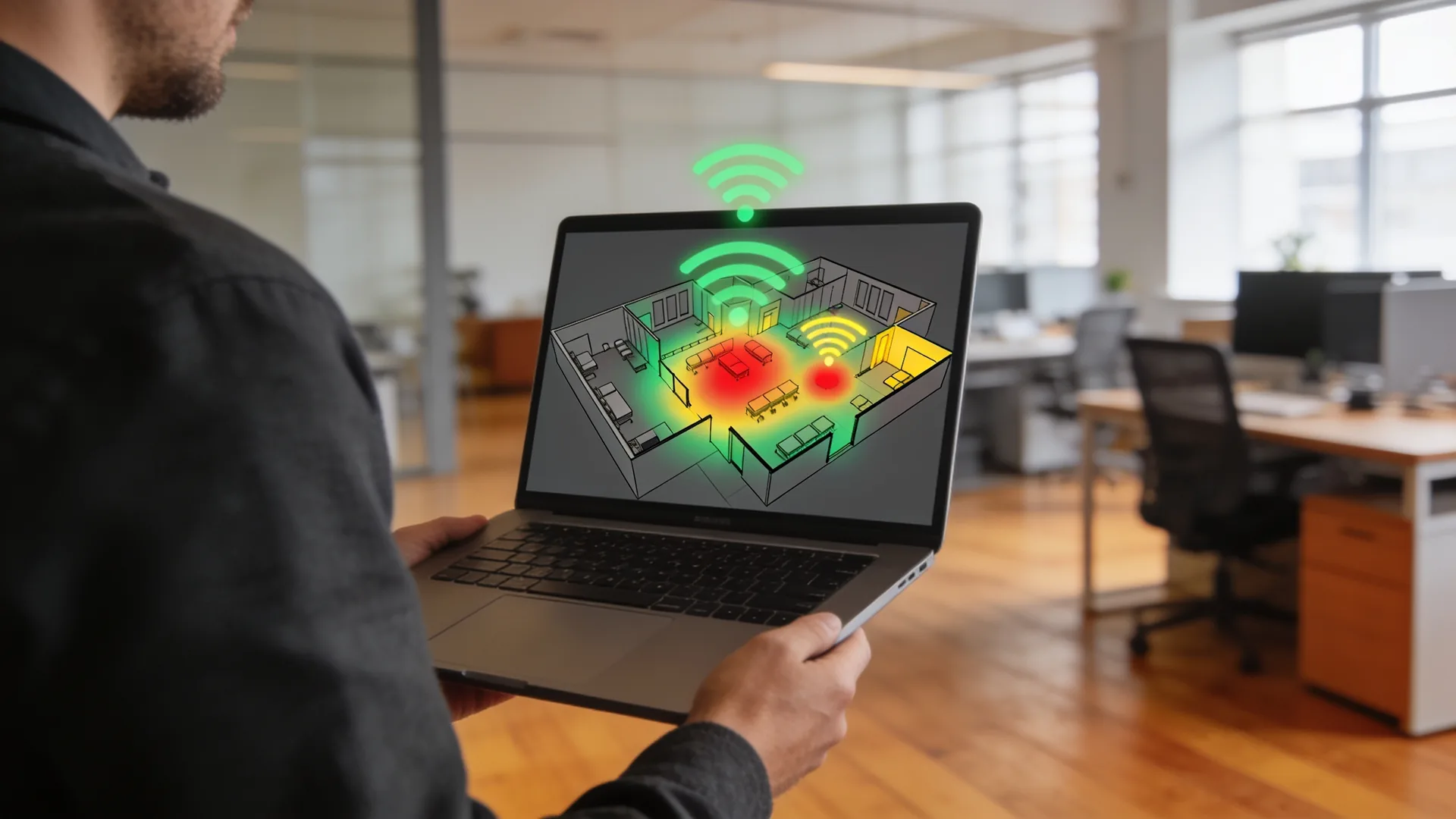
Wifi analysis: site survey and heatmap
We measure your wireless network with professional equipment and record weak spots, sources of interference and coverage gaps in a heatmap for each floor. You get measurements instead of assumptions, plus a concrete plan for every access point.
Poor Wi-Fi is rarely a hardware problem
When staff complain about dropped connections, stuttering video calls or scanners that will not connect in the warehouse, the reflex is to add more access points. That often makes things worse: more transmitters on the same channels means more mutual interference, not more coverage.
A Wi-Fi analysis, also known in the market as a site survey, reverses that order. We first measure what is actually happening in the building: signal strength, noise levels, channel occupancy, equipment belonging to neighbours and the number of simultaneous devices per access point. Only then does the advice follow. Quite often the answer turns out to be moving an access point or switching one off, rather than buying more.
An analysis is particularly worthwhile for new premises or a relocation, for persistent complaints, ahead of an upgrade to Wi-Fi 6 or Wi-Fi 7, and in retail and logistics environments where a dead zone costs money immediately. Do you work in a small office with two access points and no complaints? Then a full survey is usually unnecessary, and we will simply say so.
Our own engineers, our own measuring equipment
We do not subcontract this work. The engineer who takes the measurements at your site works for us and stays reachable if questions about the report come up later.
- Our own engineers. Every survey is carried out by an engineer employed by us, in the Netherlands and Belgium. No subcontracting.
- Professional measuring equipment. We measure with Ekahau Sidekick and NetAlly AirMagnet, not with a phone app. That is the difference between an impression and a measurement.
- All current standards. Wi-Fi 5 (802.11ac), Wi-Fi 6 (802.11ax), Wi-Fi 6E and Wi-Fi 7 (802.11be), with both passive and active measurements.
- Also before handover. Building new premises or relocating? We produce a design based on floor plans, so the cabling is laid correctly the first time.
- Kiwa NEN 4400-1 certified. Personnel and administration demonstrably in order, including when we place people at your location.
- Experience in retail and logistics. Environments with high racking, metal structures and peak traffic, where coverage problems are felt directly in the operation.
As much difference for an office as for a warehouse
With wifi it is not the size of the organisation that determines what is needed, but the space and what happens in it. An office of thirty people with concrete floors is a harder survey than an open-plan floor with three hundred. A warehouse whose racking moves with the season is different again: coverage moves with it.
So we always measure before anything is ordered, whether it concerns one floor or eight sites. The result is the same kind of report: a heatmap per floor and, per access point, a concrete recommendation, move, replace, add or leave alone.
- Measure before anything is bought Adding access points often turns out to be unnecessary; moving one or changing a channel is enough.
- Warehouse and production assessed separately Racking, metal and scanners make different demands than desks with laptops.
- Repeatable per site The same wireless site survey at every location, so the outcomes can be compared with each other.
From request to report in two to four weeks
The lead time depends on the size of your location and the number of floors. This is the process we follow as standard.
Preliminary research
Three to five working days. We collect floor plans, the equipment list, the complaints log and your requirements per application. The aim: establishing what “good Wi-Fi” concretely means in your situation.
On-site measurement
Half a day to two days. Our engineer walks through the building metre by metre and records signal, noise, channel occupancy, unknown access points and the number of simultaneous devices per transmitter.
Analysis and reporting
Five to seven working days. We generate the heatmaps, work out the recommendations and talk you through the report in a one-hour session, so the next steps are clear.
Implementation, if you want it
You are free to act on the report yourself or put it out to tender. If you choose implementation by us, our Managed Network team takes over the cabling, installation, configuration and post-installation testing.
A report your IT coordinator and your finance lead both understand
Not a pile of raw measurement data, but a workable document with maps, priorities and an indication of the costs. These are the components you get back.
- Heatmap per floorA colour map of signal strength and signal-to-noise ratio, floor by floor. You see straight away where coverage drops off and where transmitters overlap.
- Coverage per applicationWhat is good enough for email is not necessarily good enough for voice calls or screen sharing. We assess telephony, data traffic and video separately.
- Sources of interference identifiedWhich channels fill up on 2.4, 5 and 6 GHz, which of your neighbours’ equipment transmits over your network, and which unknown access points sit within range.
- Placement advice per access pointConcrete for each location: add an access point here, move one there, switch one off elsewhere.
- Advice on Wi-Fi 6 and Wi-Fi 7Whether an upgrade pays off at your device density, and which generation suits it.
- Indication of the costsA realistic range for the recommendations, usable in your investment request.
- Security findingsWe also look at WPA3, your guest network and authentication via RADIUS. Points that need attention are listed in the report with a priority.
- Independent judgementWe are not tied to a single manufacturer. The advice follows from what suits your building and your usage, not from a supplier agreement.
Where an access point hangs determines what you notice
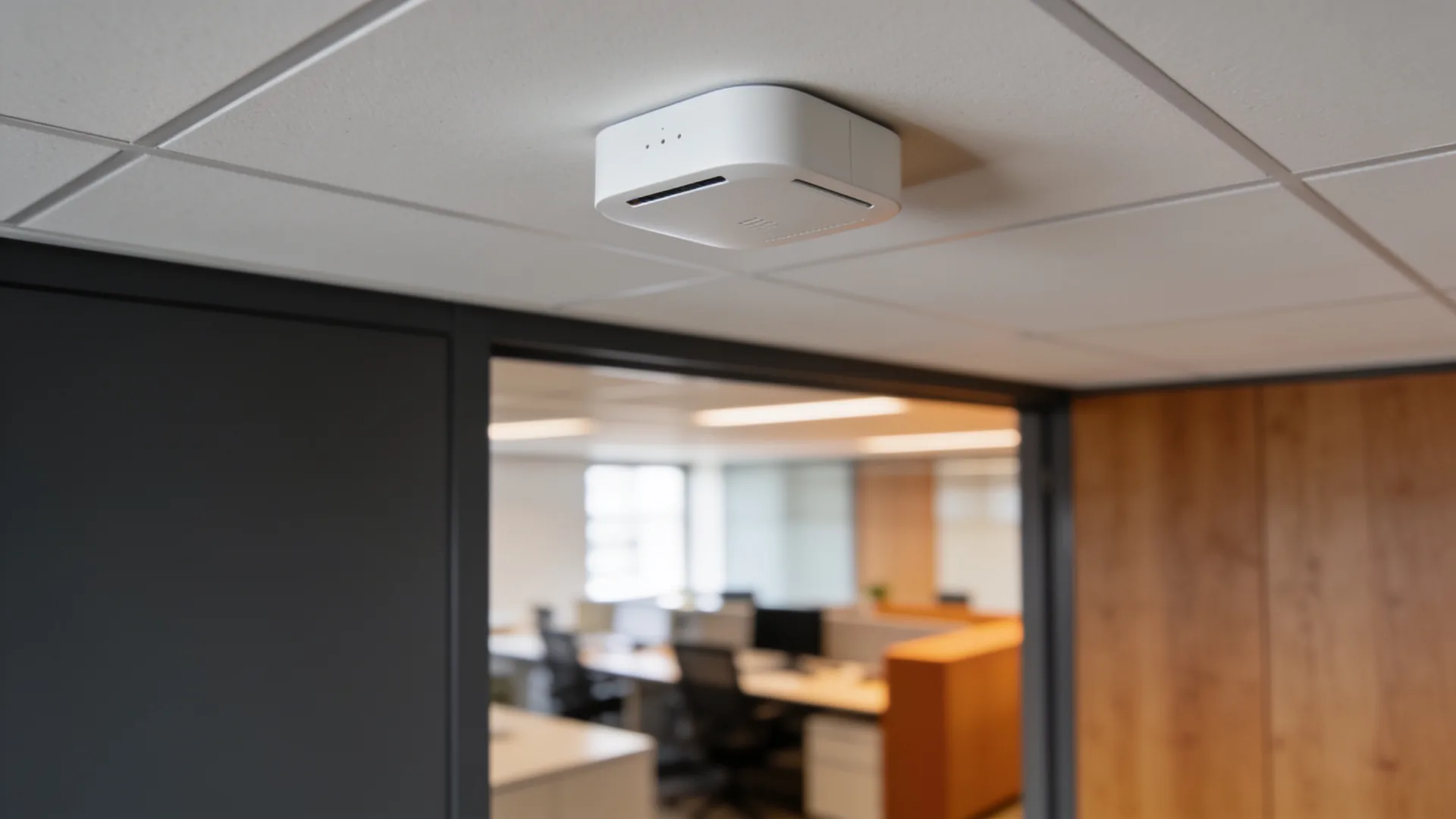
Most access points sit on the ceiling, out of your line of sight. That is exactly where the problems arise that you see on the work floor: a transmitter that disappears behind a suspended ceiling or an air duct, two transmitters shouting over each other above the same room, or an antenna that sends half its range up into the roof.
- Height and mountingAn access point that hangs too high or inside a plenum covers the floor below it poorly. We note for each point how it is mounted and what that does to the signal.
- Materials in the buildingConcrete, metal racking, coated glass partitions and lift shafts attenuate the signal. What looks like open space on the floor plan measures differently in practice.
- Overlap between transmittersWe record which access points overlap each other on the same channel. That is the reason adding more often increases the complaints instead of solving them.
- A decision for every pointFor each access point, the report states what should happen to it: leave it, move it, aim it differently, switch it off or replace it.
What usually follows
A survey produces a plan. These services carry it out or keep it running.


Questions we get about this
The ones that come up most, answered briefly.
Why measure, instead of just adding access points?
Because bad Wi-Fi is rarely a hardware problem. Access points that interfere with each other make it worse, not better. A survey shows where the signal drops, where channels collide and where the cause is something else, so you buy what is needed rather than what the brochure suggests.
What do we get?
A heatmap per floor and advice per access point, in a report that both your IT coordinator and your finance lead can read. So not only measurements, but what it costs to fix and what happens if you do nothing.
How long does it take?
Two to four weeks from request to report, depending on the size and when we can measure in the building. The survey itself is done on site with professional equipment, not with a phone app.
Do we then have to buy from you?
No. The report is yours and stands on its own; you can put any supplier to work with it. If you want us to carry it out we can, but the advice does not change because of that.
What is the difference between a prediction and an on-site survey?
A prediction is made on the floor plan: walls, materials and dimensions go in, and out comes where the access points should hang. That is enough for new build and for a quote. A survey is done in the building itself, with equipment that walks where your people walk, and it shows what actually happens, including the microwave, the lift shaft and the neighbours’ network nobody accounted for. For an existing building with complaints, measuring is the only way to find out.
How long does a survey take?
Half a day for an office floor, a day or more for a school building or a warehouse, because every corner has to be measured and not just the corridor. We prefer to measure while the building is in use: an empty hall measures beautifully and says nothing about the same hall with three hundred people in it all streaming.
Who owns the report?
You do, with the measurement data attached and not just the conclusion. You can take it to another party and they can work from it, because there are no assumptions in it that only we can explain. The report states what the cause is, what it costs to fix and what happens if you do nothing.
The brands above, one page each
What the brand makes, which lines we supply and what we do around it.
Our own certifications
ITproposal is certified for ISO 9001 (quality), ISO/IEC 27001 (information security), ISO 14001 (environment) and Kiwa NEN 4400-1 (labour hire and secondment). That says something about how we work and how we have our own processes assessed; it is not a certification you inherit from us.
First measure, then buy
In a thirty-minute conversation we go through your location and your Wi-Fi complaints. After that you know whether a survey is worthwhile and roughly what it costs.
Practical IT knowledge in your inbox
New guides on management, security and the workplace, written by the people doing the work. No sales talk, and you can unsubscribe in one click.